


 info@webtecksolutions.com
  314-206-2748
  10:00 a.m. - 6:00 p.m.
Local SEO - Google Maps | 2026-01-29 | Felipe Salazar
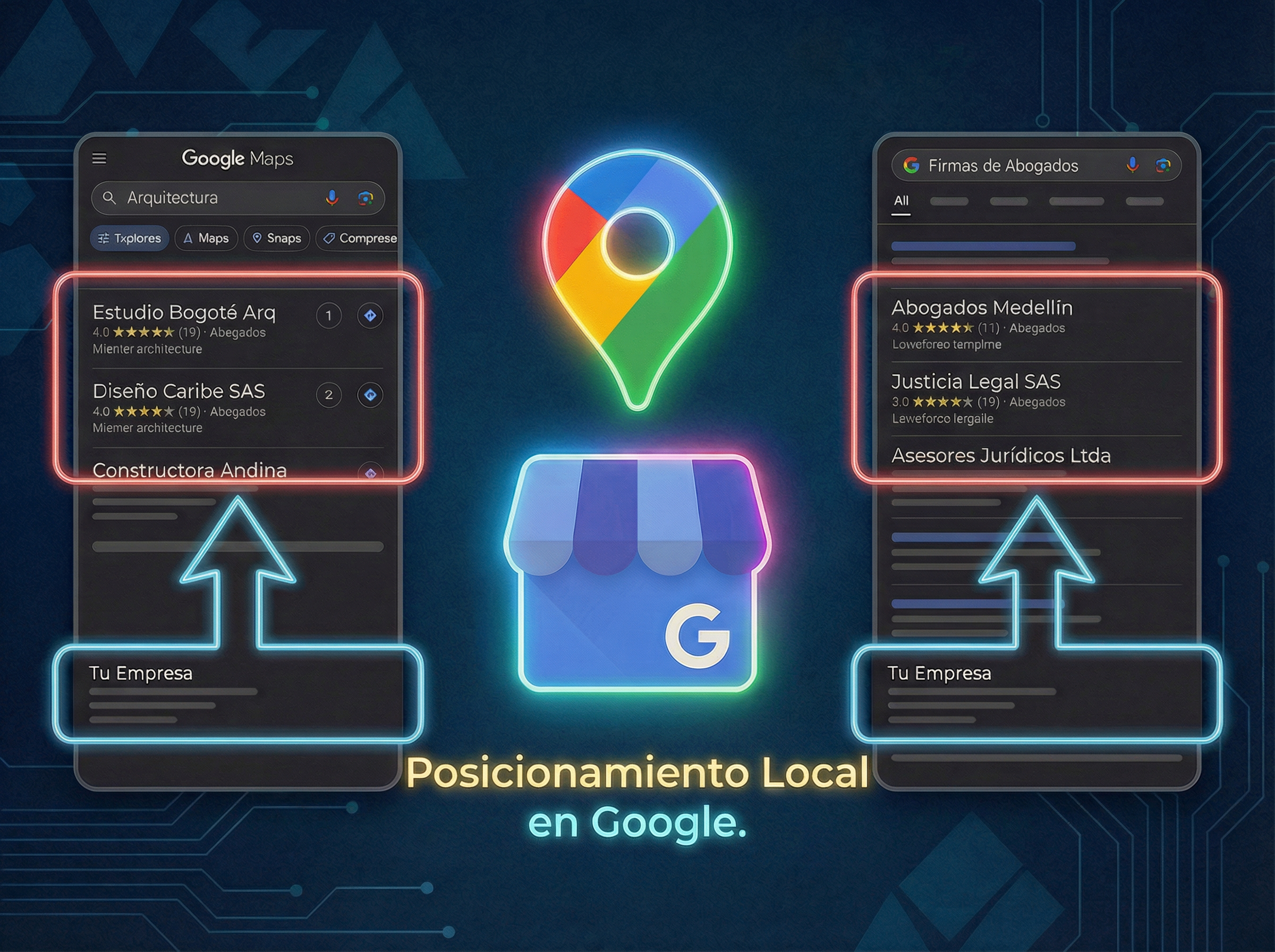
Rank Your Business on Google Maps: Fix These Errors
After auditing dozens of websites and local business profiles — from law firms and architects to schools and construction companies — I’ve noticed a pattern that repeats constantly.
Most business owners believe they don’t appear on Google because of “bad luck” or because they don’t invest enough in advertising. But the reality is much more technical: their digital presence has “authority leaks” that confuse Google.
If you’re the owner of a services company and want your phone to keep ringing, check these points. These are the mistakes I fix daily that are killing your positioning.
1. The “Home” or “Start” Error
It’s the most common mistake. Your website tab title should not be “Home,” but your main service followed by your city.
- Example: “Architecture Firm in Bogotá | Your Company Name”.
2. The “Welcome” H1 Tag
Nobody searches “Welcome” on Google. Your main title tag (H1) must be a keyword with search intent, like “Invisible Braces in Medellín”.
3. Missing Address in the Footer
If you don’t have your exact address in the footer of your website, Google doubts your real location. It must be visible on every page of the site.
4. Incorrect Category on Google Maps
Many businesses choose generic categories. If you’re a “Kitchen Remodeler,” don’t just put “Contractor.” Copy the exact category used by the top 3 results in your niche.
5. “Outdated” Google Business (Maps) Profile
Google rewards activity. If you haven’t uploaded photos of your projects or office in the last 6 months, Google assumes your business has no “pulse” and stops showing you.
6. Generic Responses to Reviews
Responding with a “Thank you” is a missed opportunity. Use keywords in your responses: “It was a pleasure to serve you at our law firm in Cali…”. This feeds the algorithm with data.
7. NAP Inconsistency (Name, Address, Phone)
Your data must be identical everywhere on the internet. If the phone on your website is different from the one on Google Maps or local directories, Google penalizes you for lack of trust.
8. Missing Pages by City or Area
If you operate in several cities or service areas, you need a specific page for each one. Don’t make Google guess where you offer your services.
9. Slow Loading on Mobile Devices
If your website takes more than 3 seconds to load on a phone, the client leaves. At Web Teck Solutions, we solve this with pure code, eliminating the unnecessary weight of generic templates.
10. No Schema Markup
This is hidden code that translates your information for Google (hours, address, logo). Implementing it gives you a huge technical advantage that 90% of your competition ignores.
Conclusion: Your Website Is Your Office, SEO Is the Best “Advertising” to Get Clients
Many business owners are obsessed with social media. And while they’re good for making yourself known (especially if you optimize your Facebook and Instagram profile for SEO), the reality is that the website is where business is closed.
Social media is the flyer you hand out on the street; the website is your private office where the client decides whether to trust you enough to hand over their money.
Do you want your business to stop being an assumption and become a real strategy? Fixing these mistakes is not a matter of luck, it’s a matter of digital engineering. At Web Teck Solutions, we specialize in cleaning up your company’s code and positioning your brand in front of the eyes of those who are already searching for you.
👇 Let’s talk about your project and put Google to work for you: 🌐 webtecksolutions.com 📲 WhatsApp: 314-206-2748
 +573142062748
 Facebook
 Instagram
 Linkedin